How to Replace Car Key Fob Battery
Replacing your car key fob battery is a simple process that takes just a few minutes. Follow these easy steps to get your remote working like new. For specific instructions tailored to your vehicle, refer to your owner's manual.
What You'll Need
- New car key battery (find yours using our vehicle selector)
- Small flat-head screwdriver or coin
- Clean, well-lit workspace
Step-by-Step Instructions
Locate the Battery Compartment
Find the small slot or seam on your key fob. This is usually on the side or back of the remote. Some key fobs have a visible seam, while others may require closer inspection.
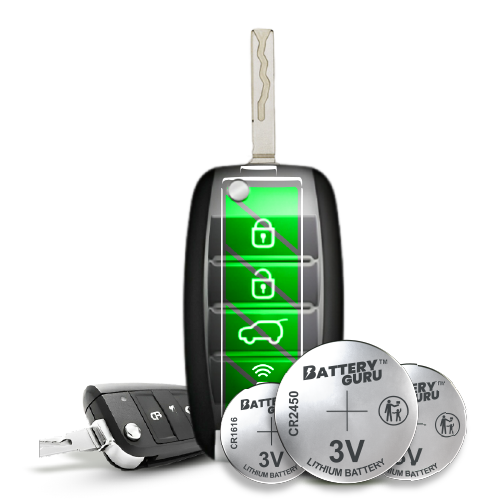
Open the Key Fob
Use a small flat-head screwdriver or coin to gently pry open the key fob along the seam. Be careful not to force it open, as this could damage the casing. Apply gentle pressure and work your way around the edges.
Remove the Old Battery
Carefully remove the old battery. Note which side faces up (positive or negative) before removing it. This is important for installing the new battery correctly. Some batteries may be held in place with a small clip.
Insert the New Battery
Place the new battery in the same orientation as the old one. Ensure the positive and negative sides match the original battery placement. The battery should fit snugly in its compartment. Important: Avoid touching the side of the battery that doesn't show the logo and printed information (the bottom/back side) with your bare fingers to prevent oils from your skin from getting onto the battery, which can reduce its performance and lifespan.
Close the Key Fob
Snap the key fob back together, ensuring all edges are properly aligned and secured. You should hear a click when it's properly closed. Make sure there are no gaps or misalignments.
Test the Key Fob
Test your key fob by pressing the lock or unlock button. If it works, the battery replacement was successful! If not, double-check that the battery is installed correctly and that it's the right battery type for your vehicle.
Important Tips
- Refer to your owner's manual: For vehicle-specific instructions and any special considerations, consult your owner's manual.
- Use the correct battery: Make sure you're using the right battery type for your specific vehicle. Use our vehicle selector to find the exact battery you need.
- Handle with care: Be gentle when opening the key fob to avoid damaging the casing or internal components.
- Check orientation: Always note the battery orientation before removing the old one to ensure correct installation.
- Avoid touching the battery: When handling the new battery, avoid touching the side that doesn't show the logo and printed information (the bottom/back side) with your bare fingers to prevent skin oils from transferring to the battery, which can affect its performance.
- Clean contacts: If the battery contacts look dirty, gently clean them with a dry cloth before inserting the new battery.
More Questions?
See answers about dead batteries, battery life, tools needed, and compatibility in our frequently asked questions.
Need Help Finding Your Battery?
Not sure which battery your key fob needs? Use our easy vehicle selector tool to find the exact battery for your car. Simply enter your vehicle's make, model, and year, and we'll show you the compatible batteries.